Log in
When you open the StoreCare app, the login screen appears. Enter the email and password you registered with and tap Log in.
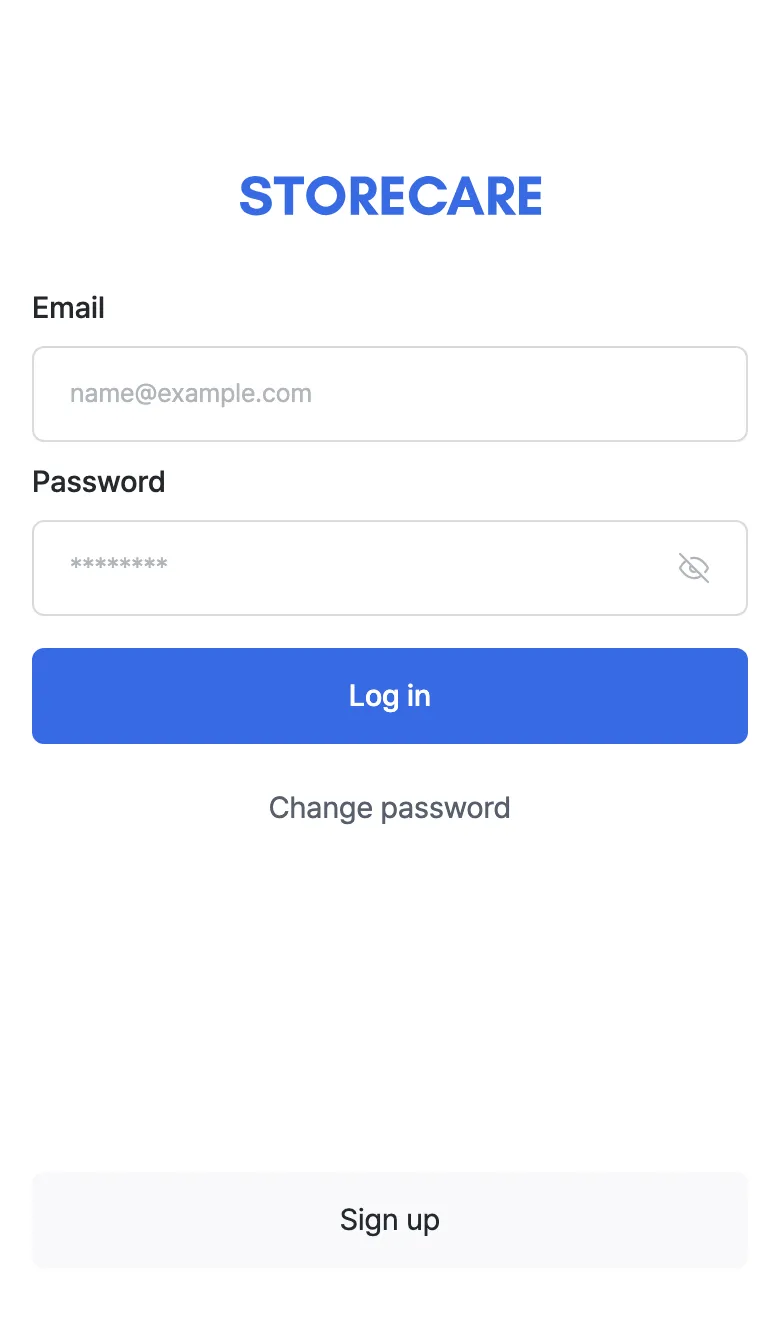
- Email · Password — the Log in button activates once both fields are filled. Use the eye icon on the right of the password field to reveal what you typed.
- Change password — use this if you forgot your password or want to change it.
- Sign up — register here if you don’t have an account yet.
First-time login
The first time you log in, a short step-by-step tutorial highlights the main screens. You can Skip it, and replay it later from Settings → Replay tutorial.