Settings
Tap the Settings (⚙️) icon at the top right of the Real-time screen to open Settings.
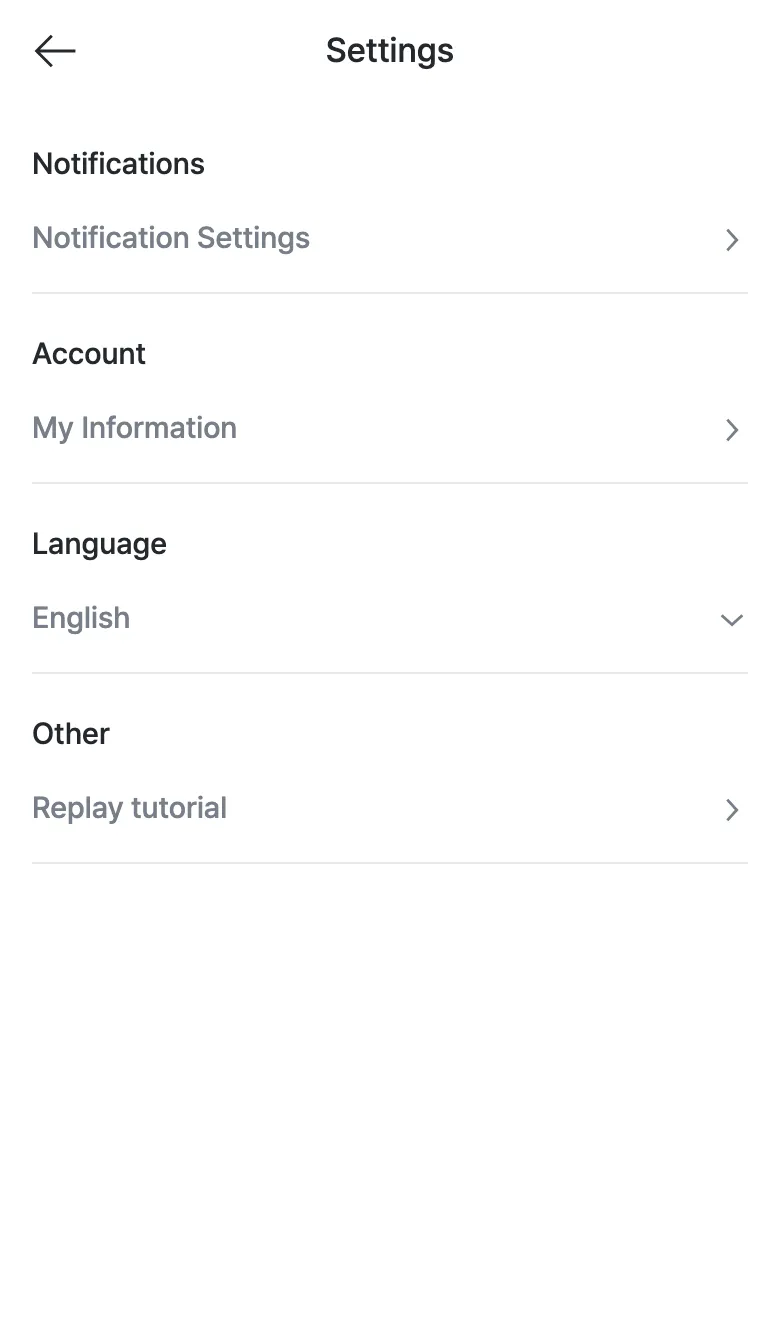
| Group | Item | Description |
|---|---|---|
| Notifications | Notification Settings | Manage which alerts you receive. |
| Account | My Information | View and manage your account information. |
| Language | English | Choose the app’s display language (한국어 / 日本語 / English). |
| Other | Replay tutorial | Replay the screen tutorial shown at first login. |